Laser Show Control, Built for Laser Operators

BeamCommander3 drives a real laser projector and gives you a live web page to control shapes, colors, movement, and 32 instantly-recallable cues — with optional MIDI controller or foot pedal support. No coding needed.

💎 Free & Open Source 🌐 Runs in Any Browser 🎛️ Akai APC40 mkII Ready 🔌 Multi-Laser & Zoning 🖥️ macOS & Windows

🧪 Experimental project — hobby use only. Early-stage and evolving fast; not audited or tested for unattended/professional production use.

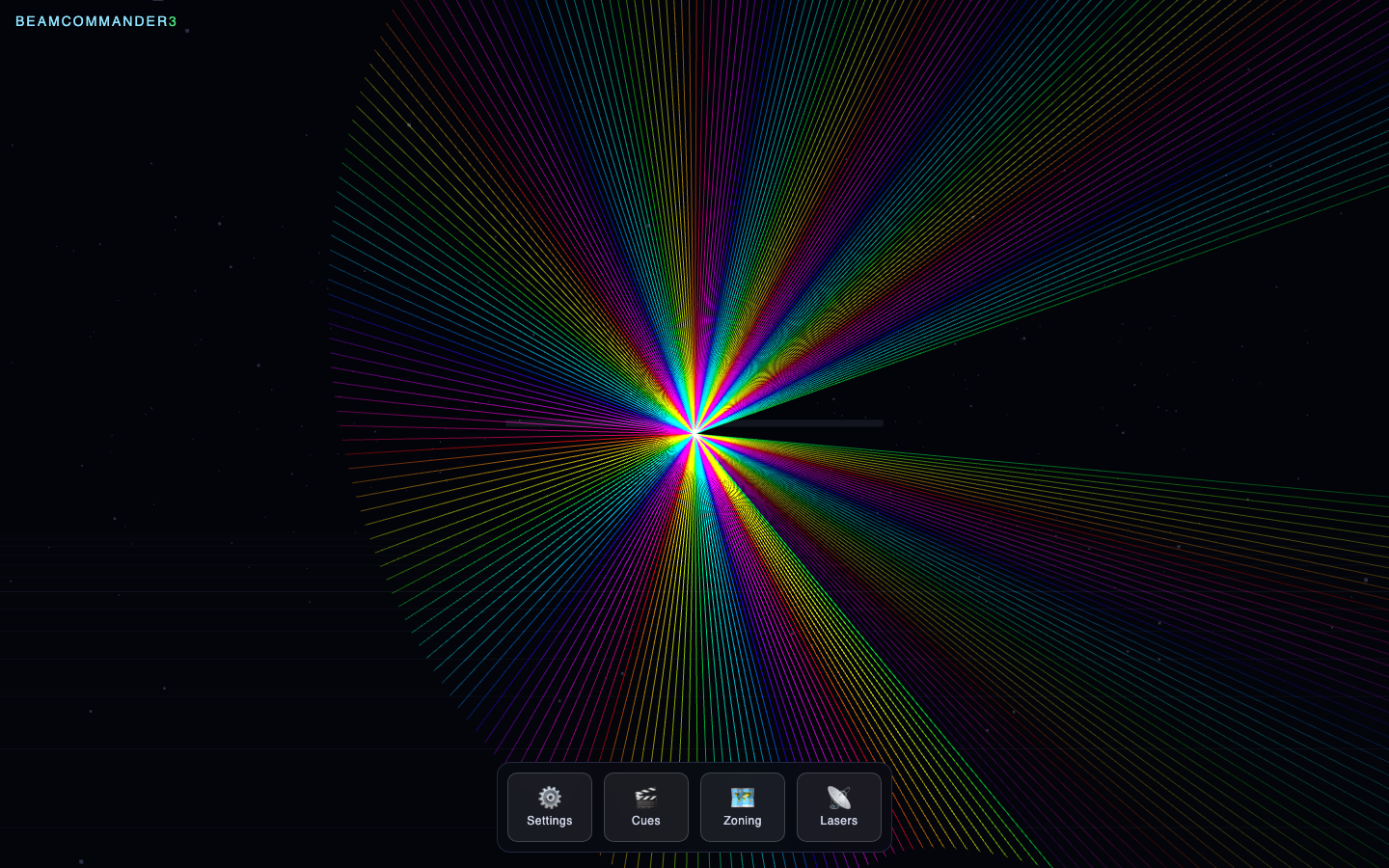
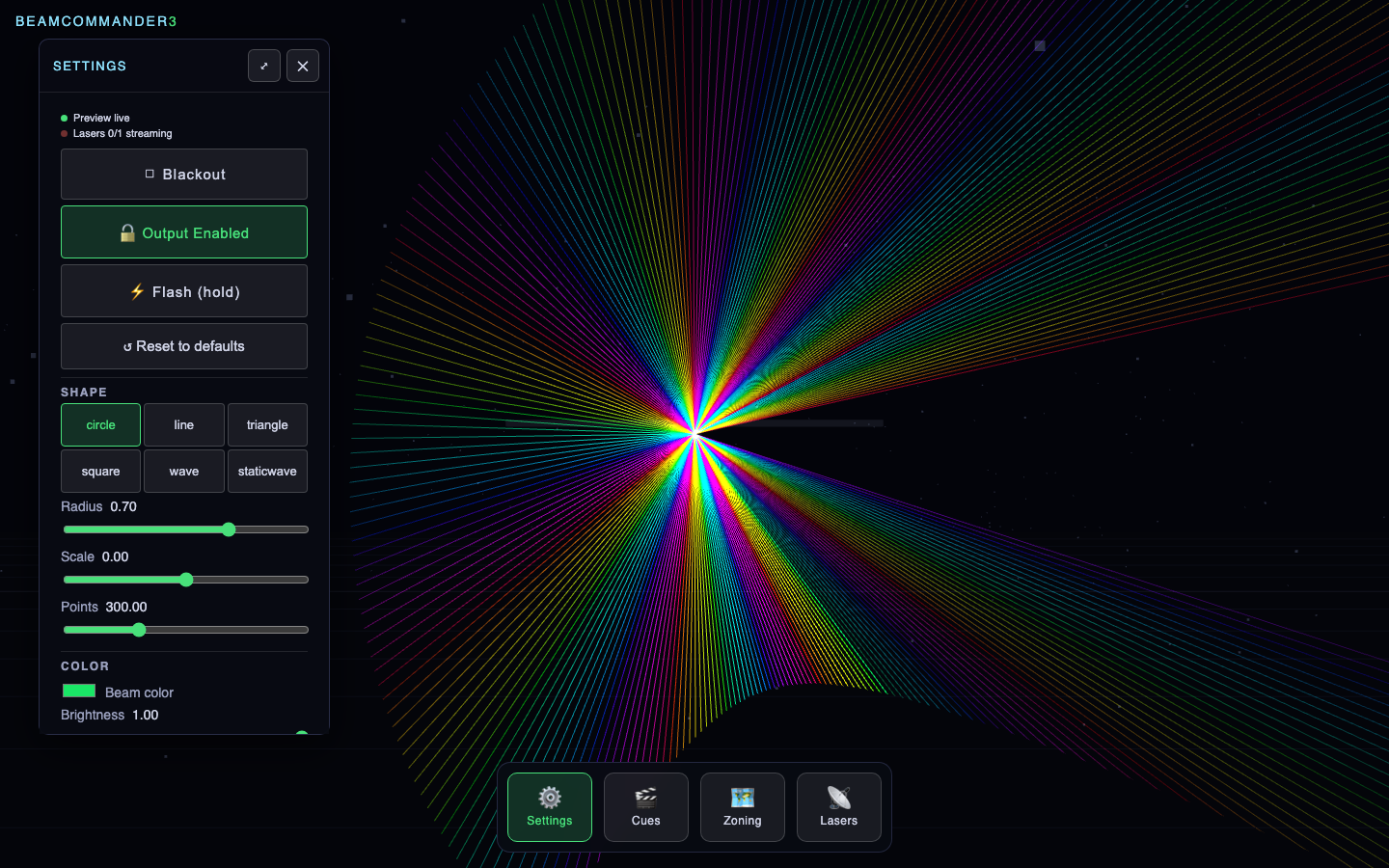
BeamCommander3 live control page showing the laser preview

Built For Laser Operators

Whether you're running a one-laser rig or a multi-projector show, BeamCommander3 is the remote control.

🎚️

Live Show Operators

Run shows in real time from a laptop: arm lasers, tweak shapes/colors/movement on the fly, and flash or blackout instantly when the moment calls for it.

🎪

VJs & Performers

Drive the whole show from an Akai APC40 mkII (or the web page) — tactile knobs and buttons for hands-on control during a live set.

🏗️

Installation & Rig Techs

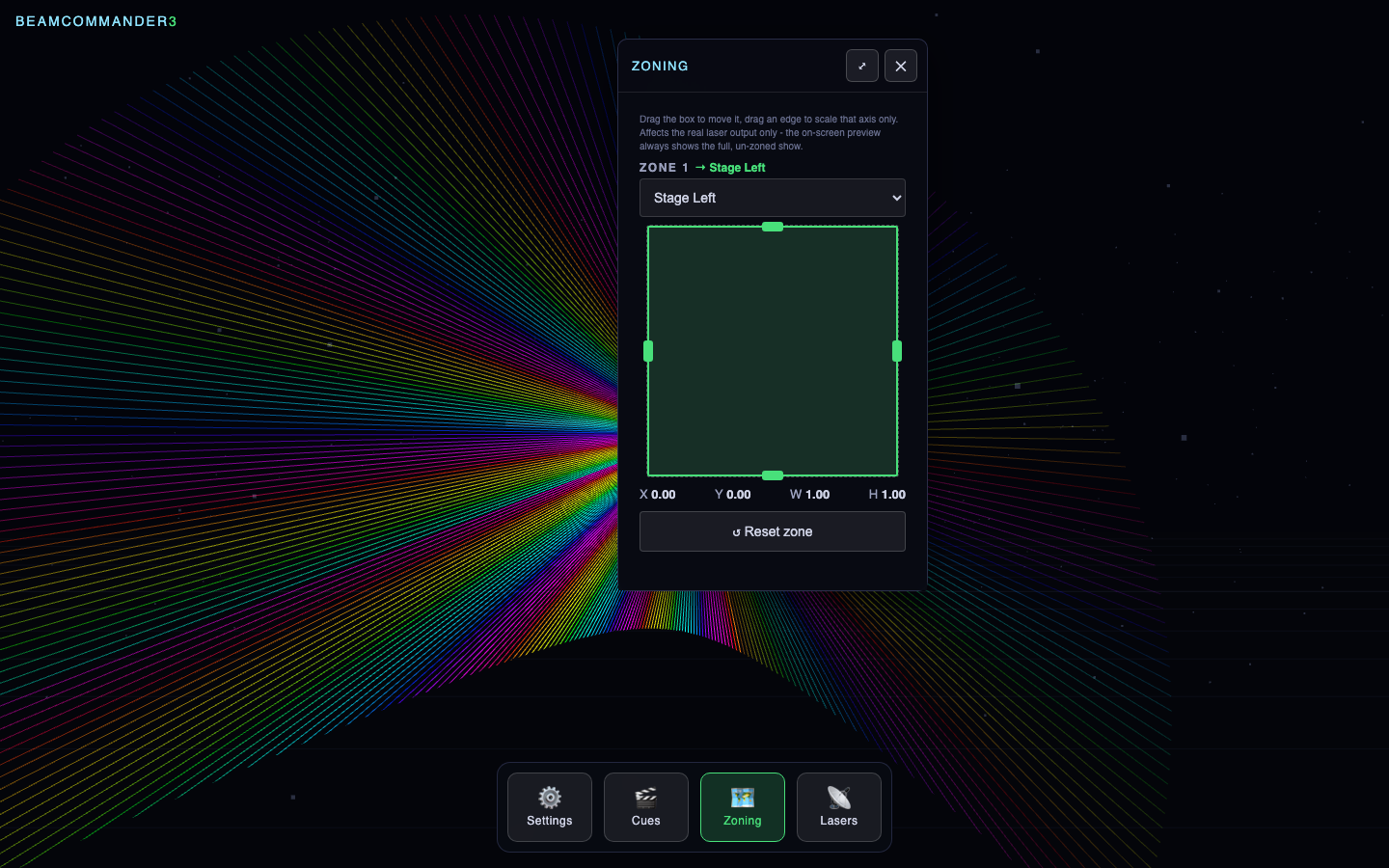
Calibrate each physical laser's pan/zoom independently with the Zoning panel, so multiple projectors can each cover a different part of a venue.

🧑‍💻

No Coding Required

Everything above is driven from one web page — download a build, open your browser, and you're ready. Source available for anyone who wants to extend it.

Current Functionality

Everything needed to run a real show, live.

🔷

Shapes & Live Preview

Pick a shape, drag the color picker, adjust size/speed — the on-screen preview always shows exactly what the laser is outputting, even with nothing armed.

🌈

Color, Rainbow & Movement

Static colors or animated rainbow cycling, plus movement patterns — all adjustable instantly, nothing needs to be "applied" first.

💾

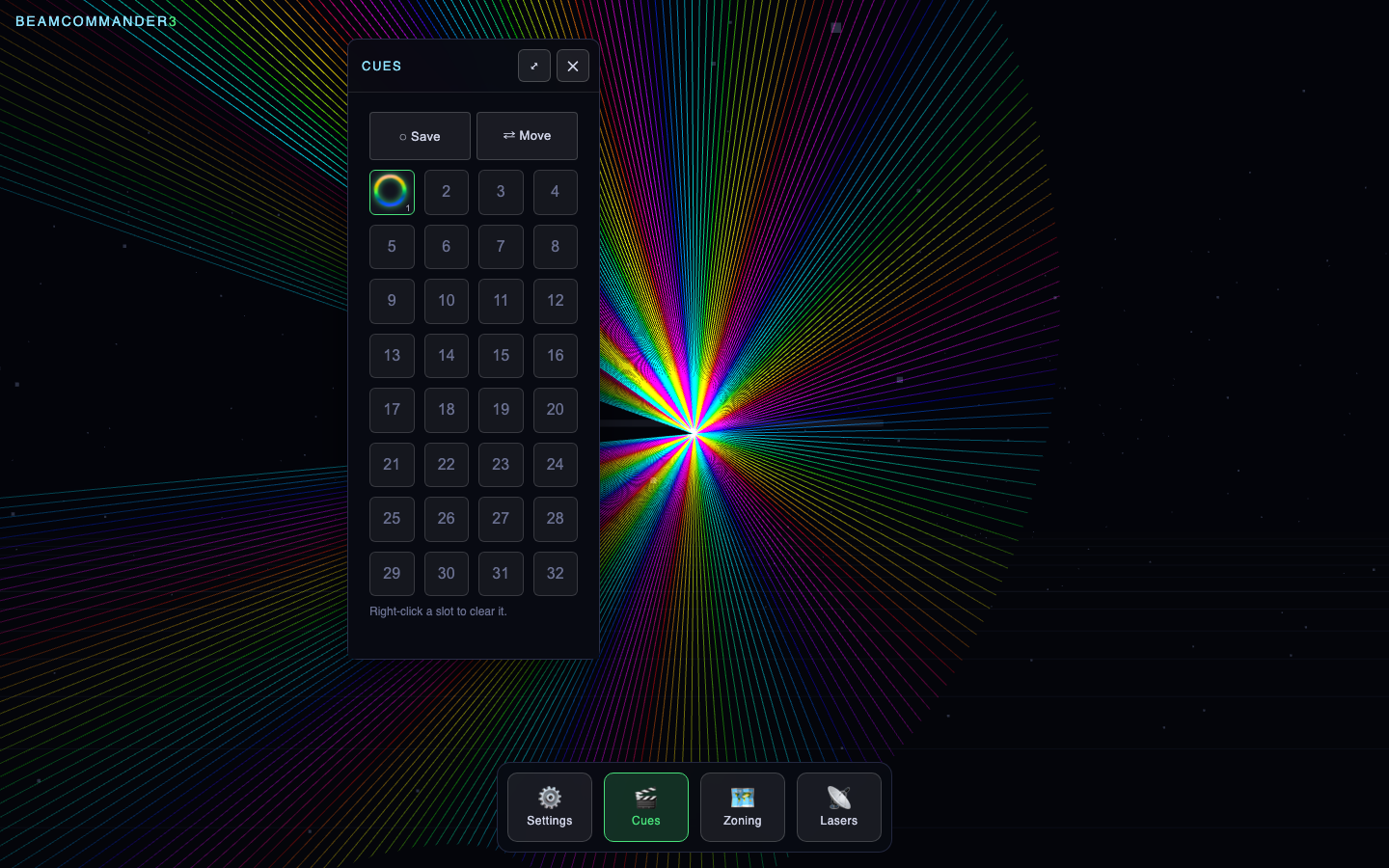
32 Cue Slots

Save the current look to a slot and recall it instantly later. Each populated cue shows a small live preview icon of its shape, color and motion.

🔌

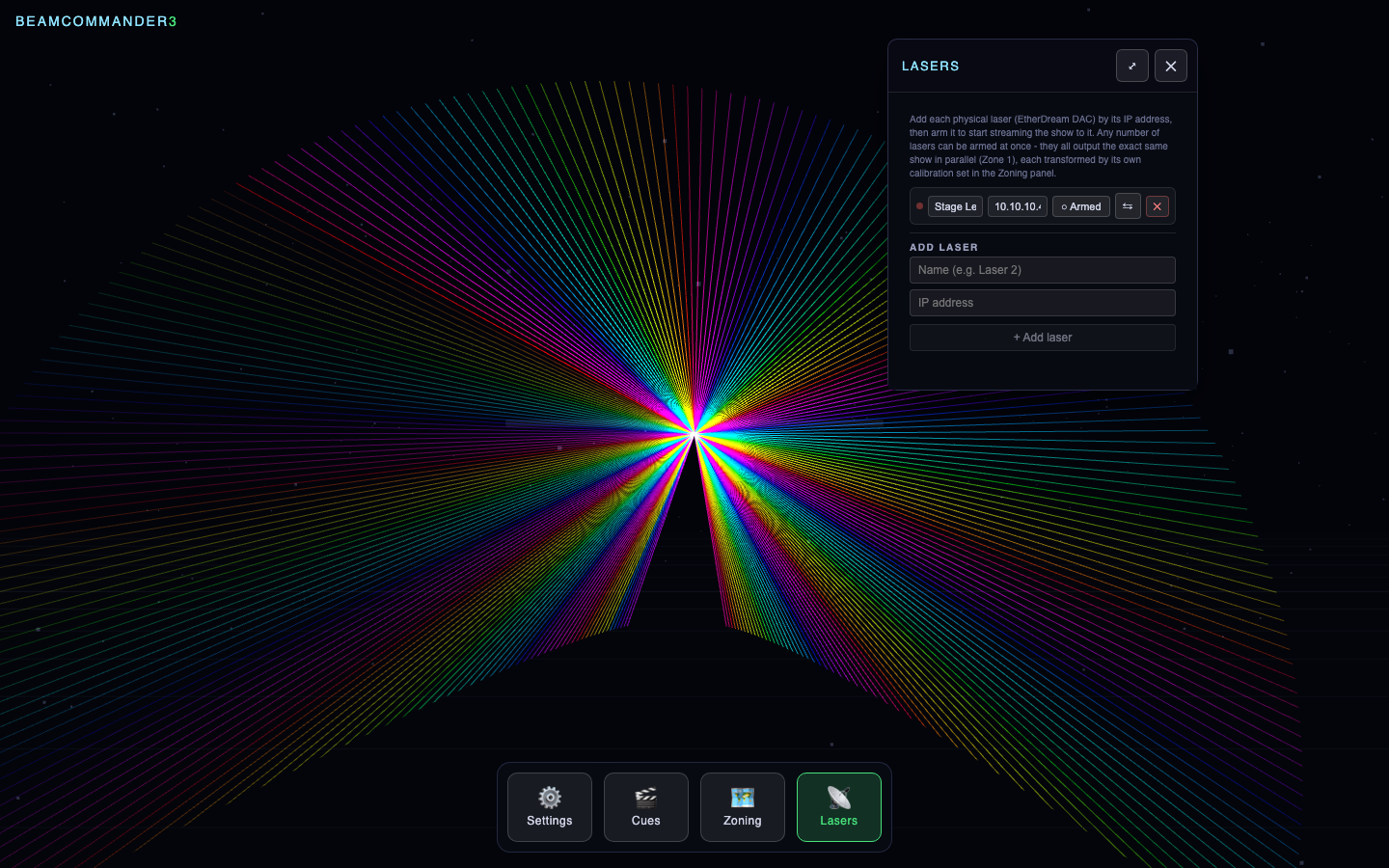
Multi-Laser Support

Add any number of lasers by name and IP, arm them independently, and stream the same show to all of them in parallel — with live connection status.

🗺️

Per-Laser Zoning

Pan/scale each armed laser's output independently to fit its physical sub-region (a wall, a truss segment) — without touching the on-screen preview or other lasers.

🎛️

MIDI & Foot Pedal

Plug in an Akai APC40 mkII for hands-on faders and buttons matching the original BeamCommander's exact layout, or wire up a foot pedal as a brightness switch.

Flash & Blackout

Punch to full white brightness while held, or force the real laser dark instantly — the on-screen preview keeps playing either way.

🖥️

Cross-Platform Installers

Packaged builds for macOS (.dmg) and Windows (.exe installer) — no compiler or Node.js needed to just run a show.
⚠️ Laser Safety Comes First

This software can drive a real laser at full power the instant it is armed with Blackout off. Class 3B/4 laser projectors are not toys and can cause permanent eye injury.

BeamCommander3 is also experimental and under active development — it hasn't been audited or hardened for professional/production use. Run it as a hobby project, keep a human supervising the beam at all times, and never rely on it unattended.

  • Never look directly into the beam or aperture, at any distance.
  • Never point the beam at audience eye level unless the rig is professionally certified for full-audience scanning.
  • Calibrate (including the Zoning panel) with the beam aimed at a wall, floor, or beam dump — never at a person or reflective surface.
  • Blackout and the brightness gate are software conveniences, not certified safety interlocks.
  • Know and follow your local laws and regulations for laser show operation.

Read the full safety section in the README before connecting real hardware.

Get Started

No compiler, Node.js, or source checkout needed to just run a show.

🍎 macOS

Download the .dmg from the latest release, drag BeamCommander3 into Applications, and right-click → Open the first time (unsigned build).

🪟 Windows

Download and run the installer from the latest release. SmartScreen may warn once — click More info → Run anyway.

⚙️ From Source

For development or any OS:

git clone https://github.com/oliverbyte/beamcommander3.git
cd beamcommander3
./start.sh